

Use Cases
- View team-wide usage, member rankings, and trends to quickly identify abnormal consumption.
- Smoothly transfer ownership during handover, or allow members to exit voluntarily.
- Combine logs and statistics to verify quota allocation and API call health.
What You Can See
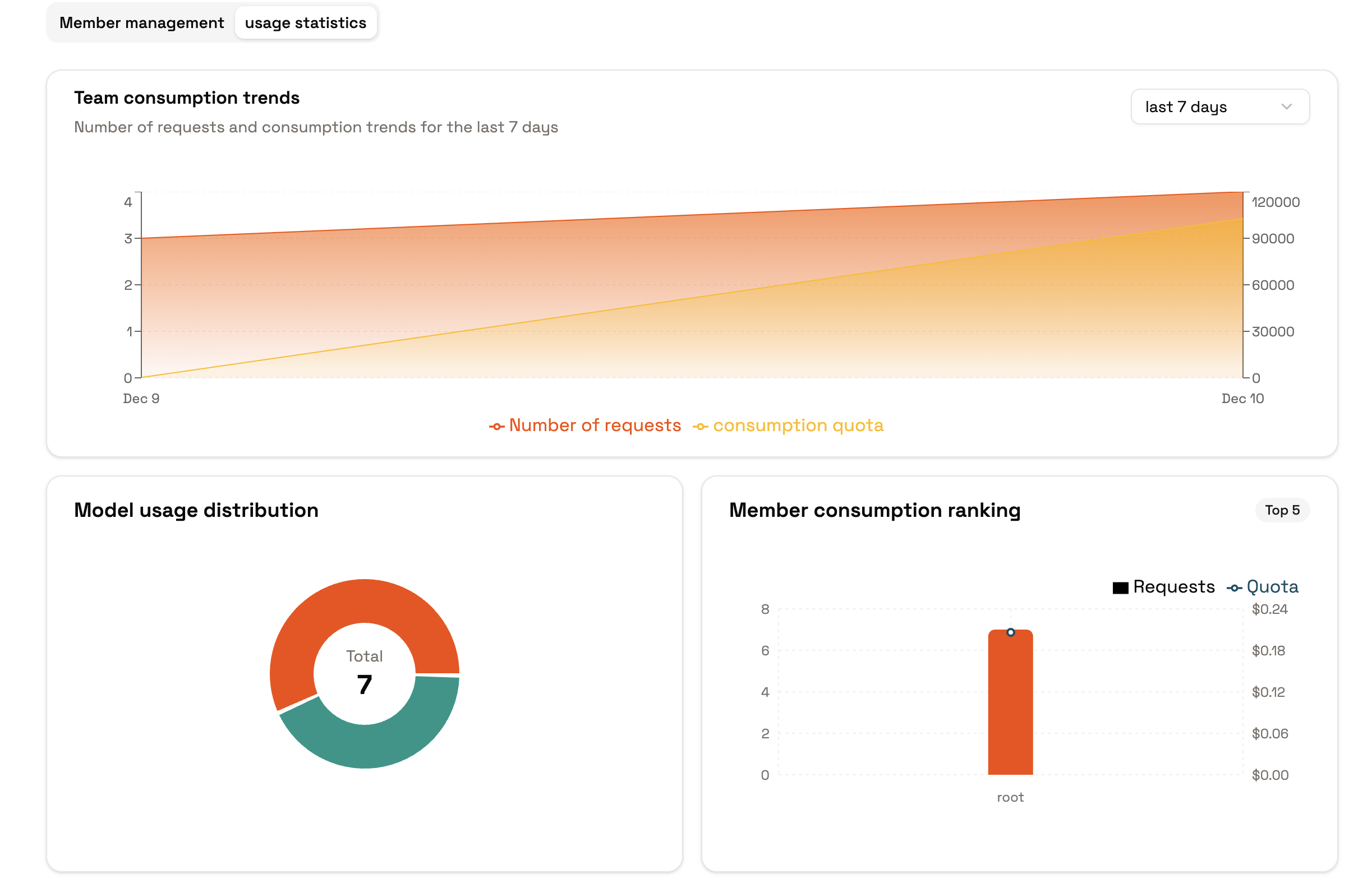
- Team Statistics: Aggregate usage, success rates, latency, and other metrics by time to identify abnormal periods or members.
- Member Rankings: Sort members by usage to identify high-consumption or abnormal members.
- Personal View: Members can view their own usage to confirm if they’re approaching quota limits.
Common Actions
- View Team Overview: Check overall usage and trends in “Usage/Statistics” with time range filters.
- View Member Rankings: Check member usage rankings in the same section to identify high-consumption members and review their quotas and roles.
- Personal Check: Members can view their own usage in the personal view to avoid hitting limits.
- Log Review: If anomalies are detected, use call logs to filter by model, token, latency, and other fields to identify the cause.
Lifecycle and Handover
- Transfer Ownership: Transfer ownership to a specified member in team details. After completion, the original owner is automatically downgraded, and subsequent operations are handled by the new owner.
- Member Exit: Members can voluntarily exit the team. If their access is no longer needed, they can be removed directly.
- Revoke Invitations: Unaccepted invitations can be revoked at any time. If sent by mistake, send a new invitation.
Tips
- When abnormal usage is detected, first tighten quotas or adjust roles, then investigate the source of calls.
- Statistics are based on actual call accumulation. Empty statistics initially are normal; trends will appear after sustained usage.
- Before transferring ownership, confirm that the recipient is already in the team and has an appropriate role to avoid handover failures.
- Confirm the context before making calls to ensure statistics and quotas are applied to the correct team or personal space.
Next Steps
- If you need to combine quota allocation or invitation strategies, refer to the “Quotas and Usage”, “Invitations and Access”, and “Roles and Permissions” sections.
- Before migrating to production, use test tokens to verify that statistics and logs cover key call scenarios.