

Quick Introduction
Team collaboration turns individual memory into organizational memory: shared workspaces where documents, decisions, and extracted facts accumulate for the whole team — governed by roles, fine-grained permissions, and quotas.- Share workspaces, projects, and memory with colleagues under clear access control
- Invite members via email or link, with resend and revoke (both sides need a verified email)
- Define base or custom roles, and scope permissions to individual workspaces and projects
- Allocate per-member quotas and review team-wide usage, rankings, and model consumption
- Switch between personal and team contexts so quota and permissions always match your intent
Team Knowledge Base scenario
See the end-to-end walkthrough: structuring workspaces, loading knowledge, governing access, and keeping organizational memory current.
Quick Start
- Create a team: Add a name and description, and confirm default role assignment rules.
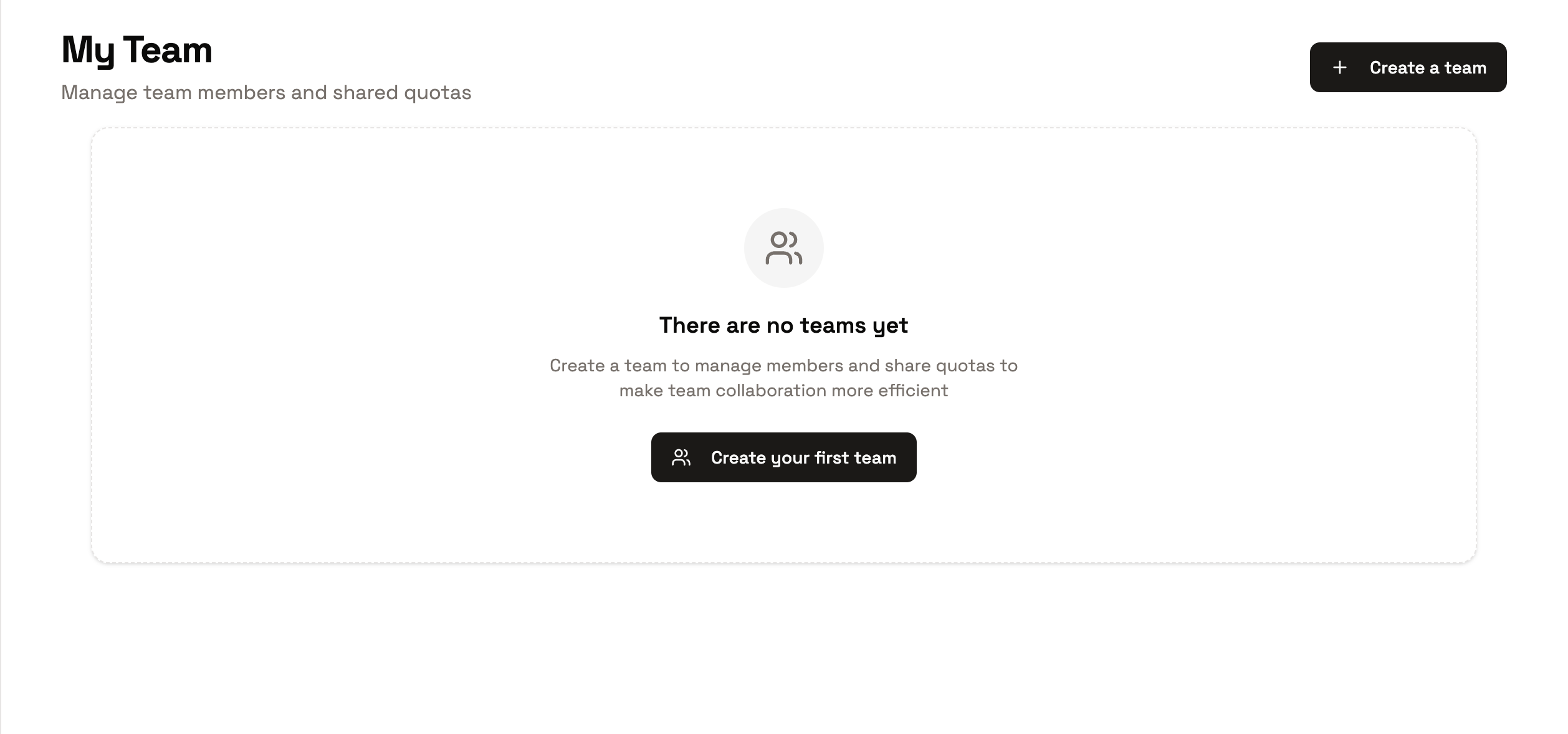
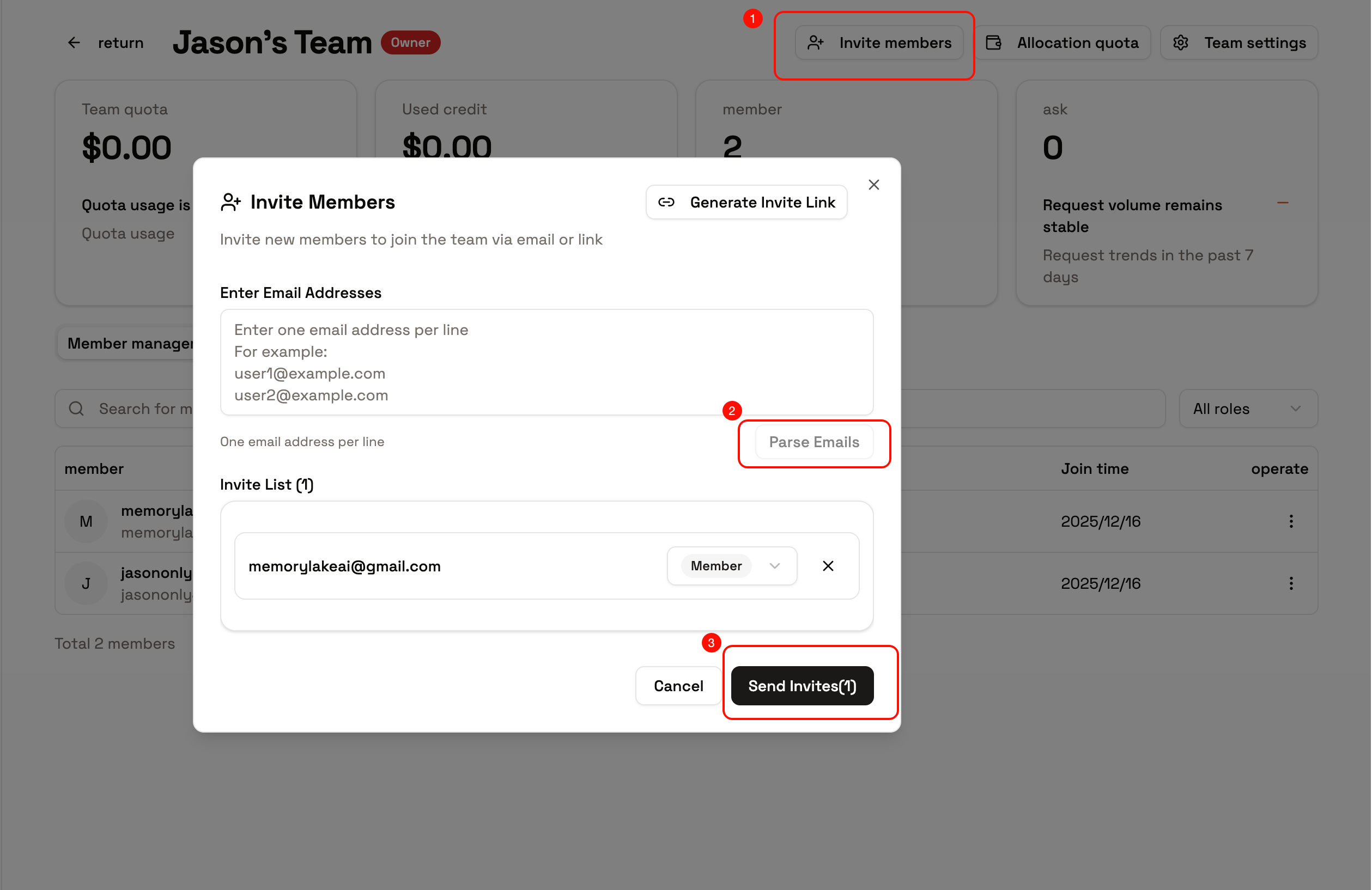
- Invite colleagues: Choose link or email invitation based on your scenario. Resend if not received, or revoke if sent by mistake.
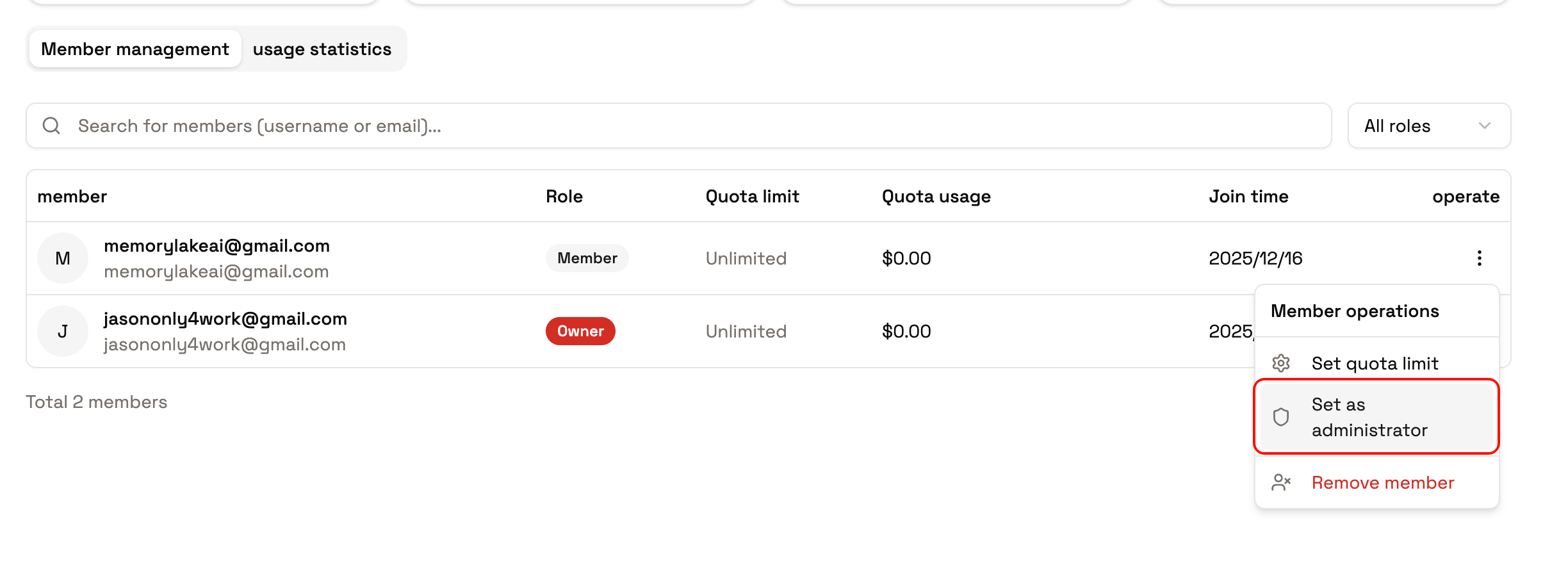
- Quotas and roles: Assign Owner or Admin roles to key members (or define custom roles), and allocate quotas.
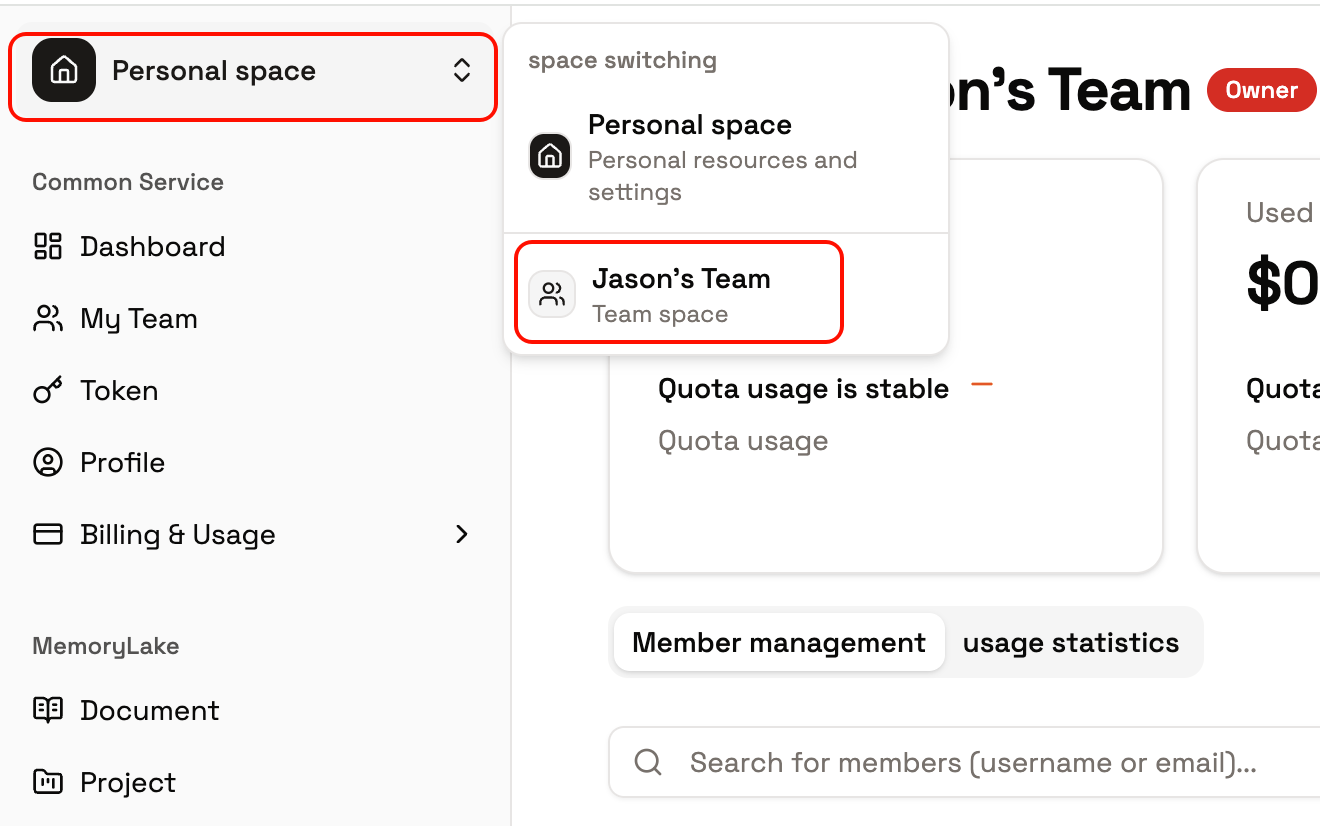
- Start using: Switch between personal and team contexts to ensure quotas and permissions match the current identity.
Documentation
Roles and Permissions
Learn about team member roles and permission management.
Permission Reference
Look up every fine-grained permission — what it lets you do, what you’ll see when it’s missing, and the identifier to share with your admin.
Invitations and Access
Learn how to invite members and manage access permissions.
Quotas and Usage
Learn about quota allocation and usage management.
Analytics and Lifecycle
View team statistics and lifecycle management.
Permission catalog
Every permission, grouped by feature area. Click a capability to jump to its full description in the Permission Reference. Each row carries a Level label, taken from the OpenAPI authorization matrix:instance— can be granted on a specific resource instance (e.g. one project). Admin can give it on project A and withhold it on project B.service— applies to the resource type as a whole. Once granted, it covers every instance of that resource in your team.